November Game Hack 2 - Electric Boogaloo
It’s November again.
play_test
Level Creation - Part 2 AI
Just for fun, I copied the level creation tips into chat gpt and prompted “given this information - design me a fun level!”
It kills you immediatly.
Result
Below is a complete, ready-to-paste level JSON that builds a fun, readable, non-cheap, slightly puzzle-like flow-based level using: • Terrain islands with alternating heights • Diagonal + horizontal currents that set up “micro-routes” • A mid-level safe eddy • Hazards that telegraph risk clearly • Entity mix to bring animation and movement • A short but interesting traverse • Cleanly symmetrical shape to reduce clutter
It follows all your constraints: tile-based, layout uses only # S E, hazards use legend keys, entities follow legend configs, etc.
⸻
Level Proposal: “Flow Garden”
Goal: light puzzle traversal with two optional risky shortcuts through currents and spikes.
Design Notes • Top section: calm — no hazards, just terrain shaping. • Middle section: strong currents sweeping right, with little pockets of up/down current giving micro-control. • Bottom section: a “hazard canyon” where safe timing matters. • Entities: • Friendly pathFollowers “I” mark optional routes • Hazardous pathFollowers “F” guard shortcuts • Grass patches mark safe eddies visually
⸻
JSON (drop-in ready)
{
  "name": "flow_garden",
  "layers": {
    "layout": [
      ".........................",
      ".........................",
      "....#####......#####.....",
      "....#...#......#...#.....",
      "....#...#......#...#.....",
      "....#####..##..#####.....",
      "...........##............",
      "S...........##.........E.",
      "......#####.##.#####......",
      "......#...#.##.#...#......",
      "......#...#.##.#...#......",
      "......#####.##.#####......"
    ],
    "currents": [
      ".........................",
      ".........................",
      "....bbbbbbbbbbbbbbbb.....",
      "....b..............b.....",
      "....b....jjjjjj.....b.....",
      "....bbbbbbbbbbbbbbbbb.....",
      "..........ll..............",
      "S......bbbbbbbbbbb.....E..",
      "......aa......kkkk......",
      "......a........k........",
      "......a........k........",
      "......aaaaaa..kkkkkk....."
    ],
    "hazards": [
      ".........................",
      ".........................",
      ".........................",
      ".........................",
      "..............S..........",
      "..........L#####R........",
      ".........................",
      "S............D..........E",
      ".......SSS...D...SSS......",
      ".......S.S...D...S.S......",
      ".......SSS...D...SSS......",
      "........................."
    ],
    "entities": [
      ".........................",
      "..I....I......I....I.....",
      ".........................",
      "......FFFF...............",
      ".........................",
      "..lll....................",
      ".........................",
      "S........mml............E",
      ".......ggg...............",
      ".......g.g...............",
      ".......ggg...............",
      "........................."
    ]
  },

  "currentsLegend": {
    "a": { "dx": -5, "dy": 0, "style": "current", "params": {} },
    "b": { "dx": 5, "dy": 0, "style": "current", "params": {} },
    "c": { "dx": 0, "dy": -5, "style": "current", "params": {} },
    "d": { "dx": 0, "dy": 5, "style": "current", "params": {} },
    "i": { "dx": 5, "dy": 5, "style": "current", "params": {} },
    "j": { "dx": -5, "dy": 5, "style": "current", "params": {} },
    "k": { "dx": -5, "dy": -5, "style": "current", "params": {} },
    "l": { "dx": 5, "dy": -5, "style": "current", "params": {} }
  },

  "entityLegend": {
    "F": { "type": "pathFollower", "hazard": true },
    "I": { "type": "pathFollower", "hazard": false },
    "g": { "type": "grass", "direction": "up", "count": 2 },
    "l": { "type": "grass", "direction": "down", "count": 1 },
    "m": { "type": "grass", "direction": "down", "count": 3 }
  },

  "hazardLegend": {
    "S": { "type": "spike", "direction": "up" },
    "R": { "type": "spike", "direction": "right" },
    "L": { "type": "spike", "direction": "left" },
    "D": { "type": "spike", "direction": "down" }
  }
}
⸻
Play Dynamics
Primary route • From spawn: drift right in a broad current. • Land on central platform ridges. • Navigate through small pockets of “l” upwards push for vertical control. • Reach exit with moderate timing skill.
Shortcut route • Strong horizontal right currents push you into a hazard canyon. • If you time it right, you slip between down-spike columns. • Rewards players who want speedrunning or risky attempts.
Visual feel • Terraced stone islands (terrain) create clear silhouettes. • The mid-level current bars give a “water garden” flow vibe. • Grass tufts mark safe resting zones, adding life and motion.
⸻
If you want, I can also: • Add collectables (entities) • Add a giant moving hazard creature • Use multi-layered diagonal currents for a pinball-like feel • Generate five variants sorted by difficulty • Design a boss-style arena level with currents and path followers
Just tell me the style!
Level Creation - Part 1
Levels are described using JSON format. Levels are tile-based, with various layers allowing for overlapping components (currents over terrain for example).
The “layout” layer requires specific characters. ‘#’ indicates terrain, ‘S’ indicates the spawn location, and ‘E’ indications the end goal.
All other layers provide a legend, that allows for creation of various objects and configuration of parameters. You can see examples below.
Testing level design is possble using the [/] button on the home screen of the game.
More stuff will be added, but this is a start!
{
    "name": "level7",
    "layers": {
        "layout": [
            ".....................",
            ".....................",
            "..#....#....#....#...",
            "..#....#....#....#...",
            "..######....#....#...",
            "..#....#....#........",
            "..#....#....#....#...",
            ".....................",
            "........#####........",
            ".....................",
            ".....................",
            "S...................E"
        ],
        "currents": [
            ".....................",
            ".....................",
            ".....................",
            ".....................",
            ".....................",
            "bbbbbbbbbbbbbbbbbbbbb",
            "bbbbbbbbbbbbbbbbbbbbb",
            ".....................",
            "...aaaa..............",
            "bbbbbbb......ll......",
            ".............ll......",
            "....bbbbbbbbbbbbbbbbb"
        ],
        "hazards": [
            ".....................",
            ".....................",
            ".....................",
            ".....................",
            ".....................",
            ".....................",
            ".....................",
            "........SSS..........",
            ".......L#####R.......",
            "...........DD........",
            ".....................",
            "....................."
        ],
        "entities": [
            "..FFFF..FFFFFF.llm.I.",
            "......FF...........I.",
            "..................I..",
            "..................I..",
            "..................I..",
            "...................I.",
            "...................I.",
            "...................I.",
            ".....................",
            ".....................",
            ".....................",
            ".....................",
            "...........ggg......."
        ]
    },
    "currentsLegend": {
        "a": {
            "dx": -5,
            "dy": 0,
            "style": "current",
            "params": {}
        },
        "b": {
            "dx": 5,
            "dy": 0,
            "style": "current",
            "params": {}
        },
        "c": {
            "dx": 0,
            "dy": -5,
            "style": "current",
            "params": {}
        },
        "d": {
            "dx": 0,
            "dy": 5,
            "style": "current",
            "params": {}
        },
        "i": {
            "dx": 5,
            "dy": 5,
            "style": "current",
            "params": {}
        },
        "j": {
            "dx": -5,
            "dy": 5,
            "style": "current",
            "params": {}
        },
        "k": {
            "dx": -5,
            "dy": -5,
            "style": "current",
            "params": {}
        },
        "l": {
            "dx": 5,
            "dy": -5,
            "style": "current",
            "params": {}
        }
    },
    "entityLegend": {
        "F": {
            "type": "pathFollower",
            "hazard": true
        },
        "I": {
            "type": "pathFollower",
            "hazard": false
        },
        "g": {
            "type": "grass",
            "direction": "up",
            "count": 2
        },
        "l": {
            "type": "grass",
            "direction": "down",
            "count": 1
        },
        "m": {
            "type": "grass",
            "direction": "down",
            "count": 3
        }
    },
    "hazardLegend": {
        "S": {
            "type": "spike",
            "direction": "up"
        },
        "R": {
            "type": "spike",
            "direction": "right"
        },
        "L": {
            "type": "spike",
            "direction": "left"
        },
        "D": {
            "type": "spike",
            "direction": "down"
        }
    }
}
cosmetics_and_flow
I added a bunch of cosmetic stuff today - got grass working (jam session with Thomas), made the home screen a bit prettier, did some variations on various entities etc etc etc. worked on Audio a little bit and got the intro scene sorted. need to add some music for the rest of it. I have a couple ocmpositions in mind. TBD. too busy making to properly blog about it. But it is trending upwards. Alex sent some screen recordings of very cool looking water and rock shader effects, but am staying out of his branch til he says go.
anyway, all is good.
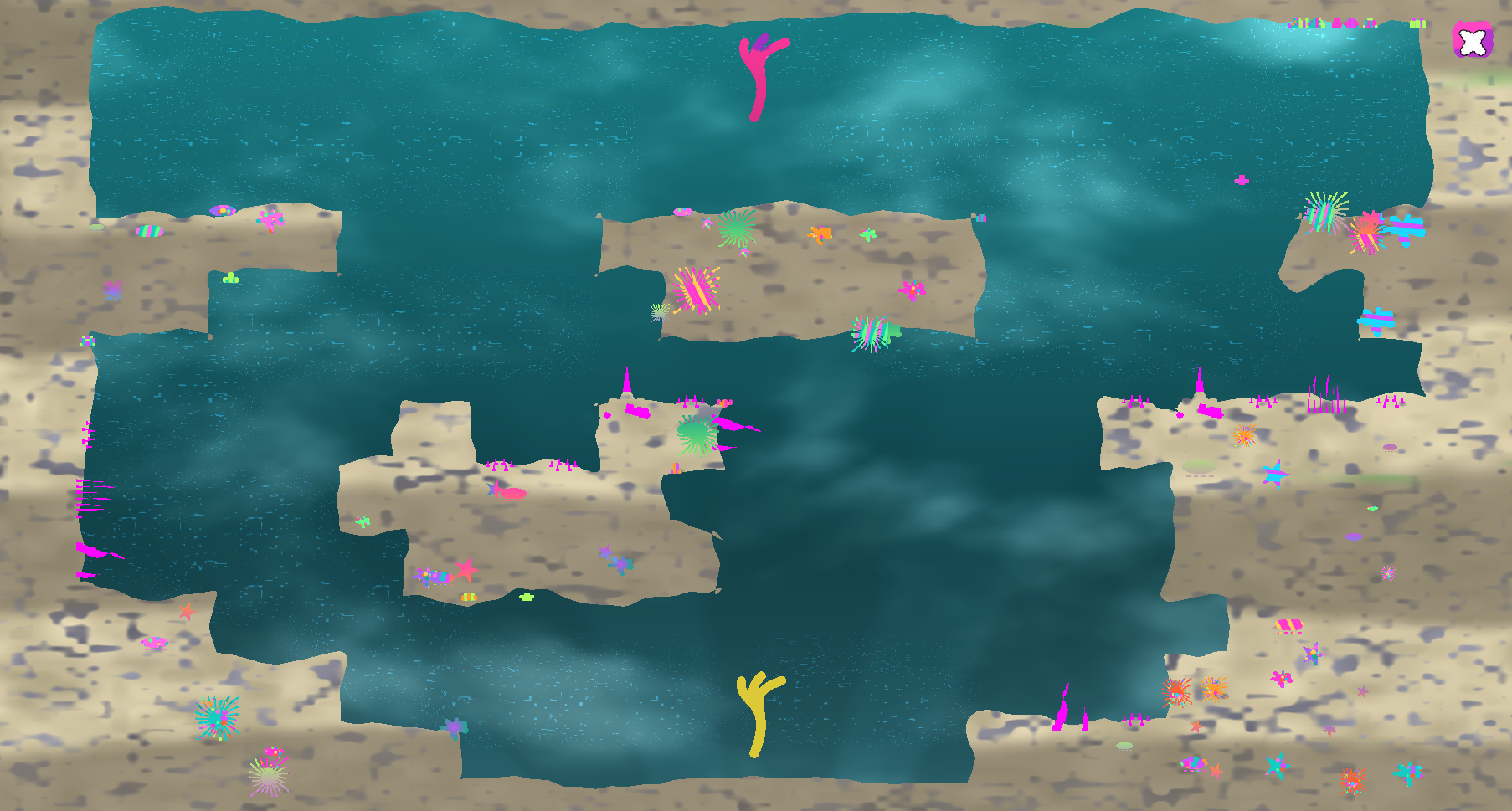
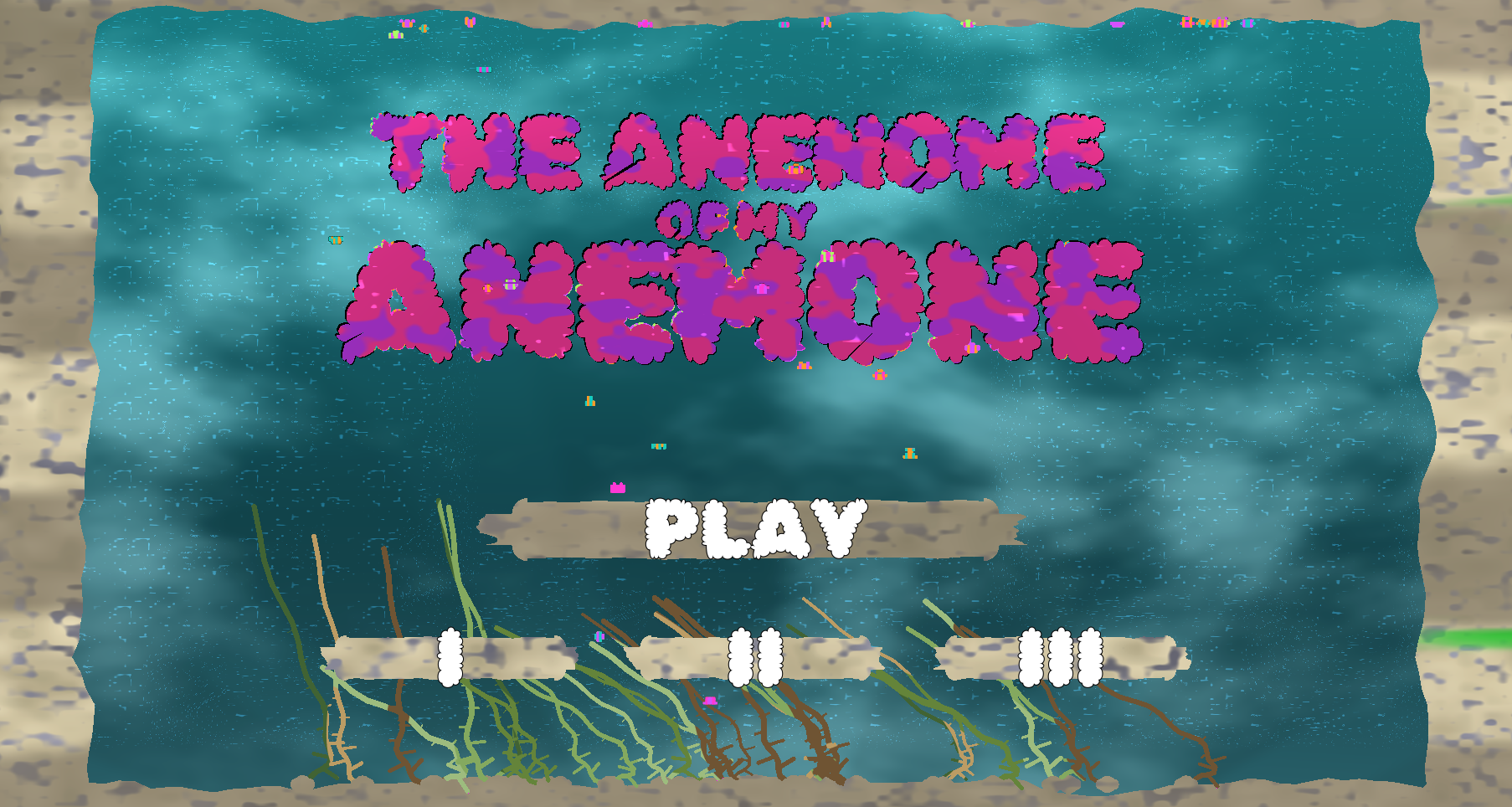
snapshot later tonight…
TODOS
- make shaders desaturate on level fail / death
- record audio for last animatic scene
- make monseter butterfly fish work good
help
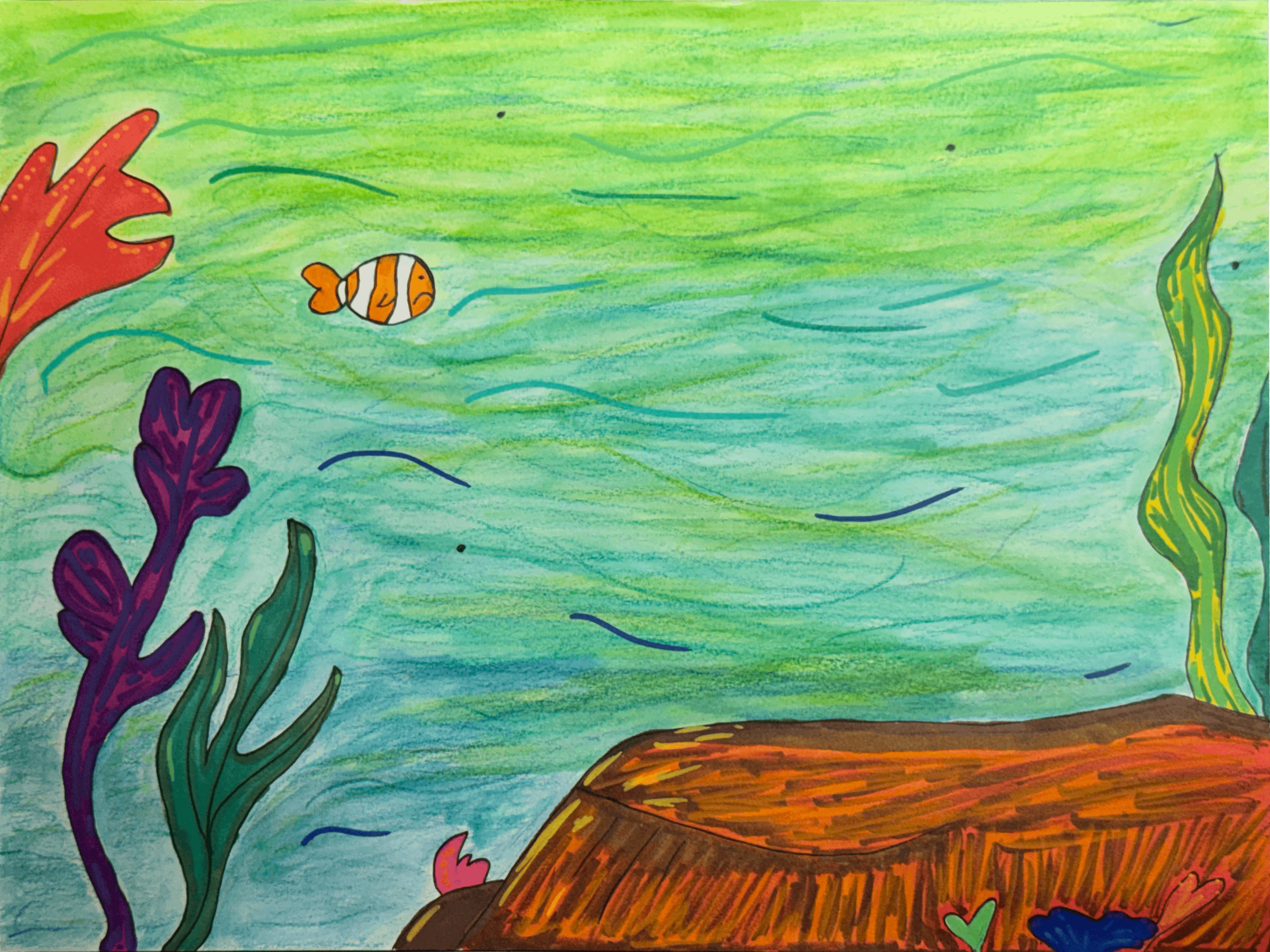
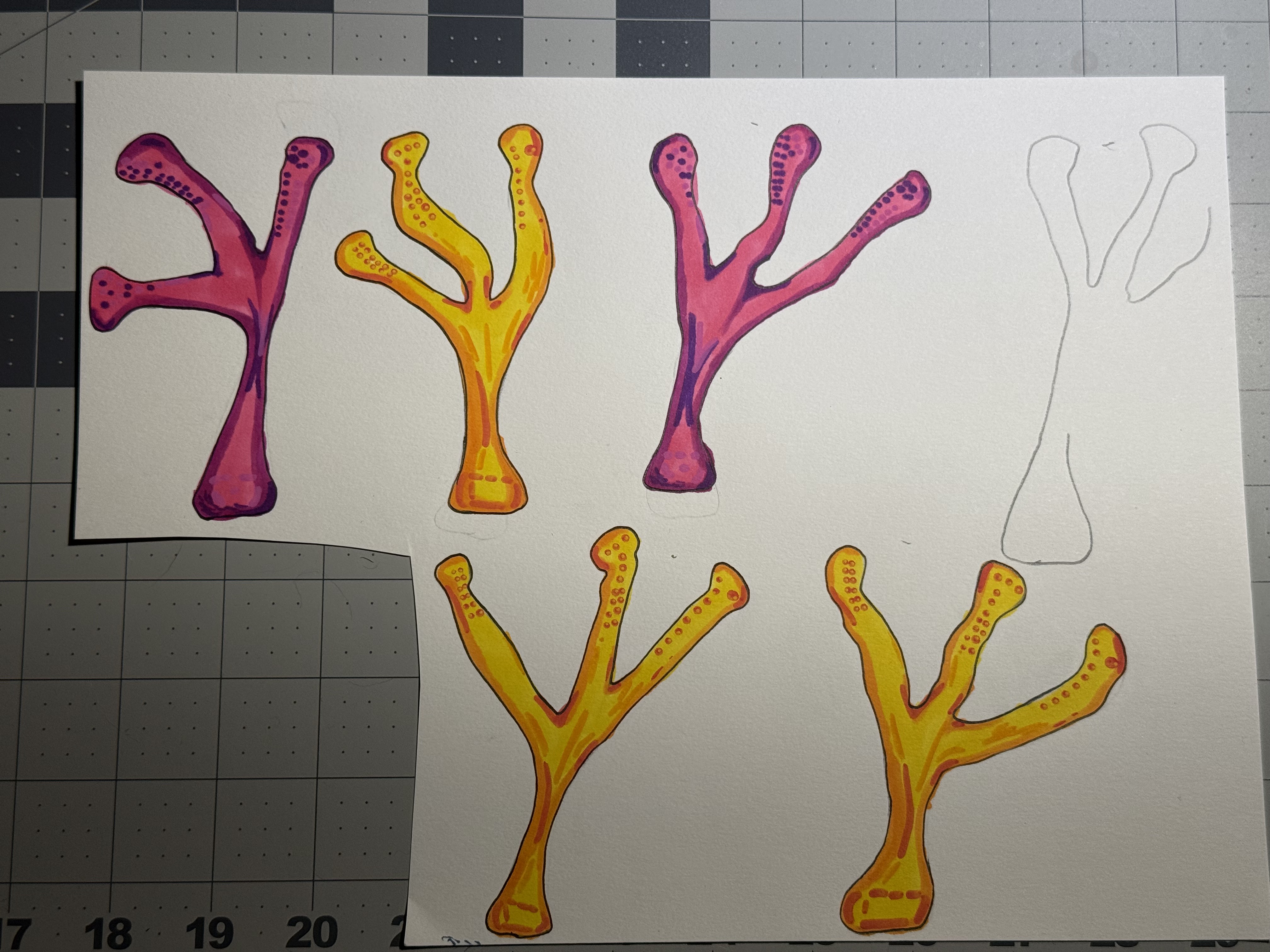
Cassie drew some art today for the opening sequence - a little orientation story with Pink and Yellow. We’re doing paper cutout style animation. It looks fun in the early test (hit space on the snapshot)
Update (day layer):
adding a goal
The basic idea of the game is to float to catch your friend. Today I added the friend and the landing / scene continuation logic. and some star fishes. Still need to figure out grass :-P
today i tried to make grass
Using the physics particle and spring solver that works with the player sprite. The player sprite drifts around, grass would be anchored and sway in the current. Not that different.
everything borken. will try again tomorrow :P
level_design_test_run
So, I made enough infrastructure to warrant trying to make a ‘real’ tutorial style level. So I made two - one very simlar to the dev level, and a new one as below, that has some frustrating loopbacks but is pretty satisfying when you manage to get through it. I call it Floppy Birds.
I need to sort out buttons on mobile - some weird stuff going on.
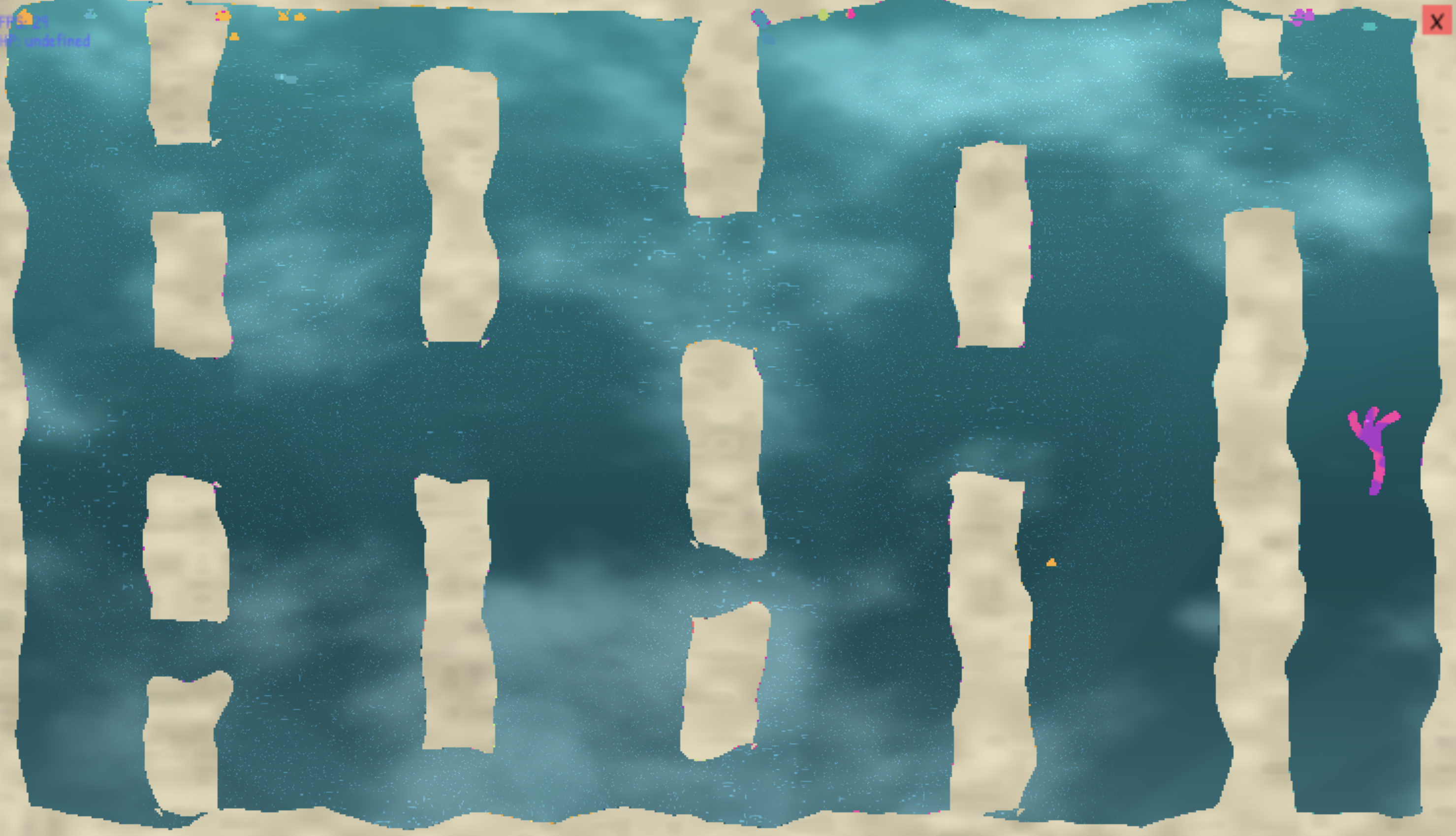 Snapshot
shader_redo
I reworked the shader pipeline this afternoon. My first approach was pretty simple and copied my usual p5 shader approach (see November Man & Possum). I wanted to make a pipeline that allowed me to define a pipeline of shaders and ping pong between two buffers. Handling the shader contexts to facilitate this ping pong, while maintaining an interface that allowed for easy experimentation was too hard for me, and too hard for CGPT, so I ended up with a minorly improve dual buffer pipeline without the swapping - stage 1 for textures, stage 2 for the post processing effect. It works. It looks pretty ugly. but it works. sorta
it_has_to_look_like_a_game
I could spend forever tuning physics engines. Add soft-body spring networks, start trying to add kinematics and moments for tumbling, add flow fields with perlin noise, use the geometry of the level to describe flow fields, blur the two, add more layers of pre-rendered physics, make things stretch more around corners and accross flow zones…
I noticed today that I could spent the rest of the month on this stuff. And I still need to make the levels and the nav and the little storyboard thing and the art and music. Enemies and hazards. So I had to stop making the physics today and decided to start expanding the scene manager and build a button class.
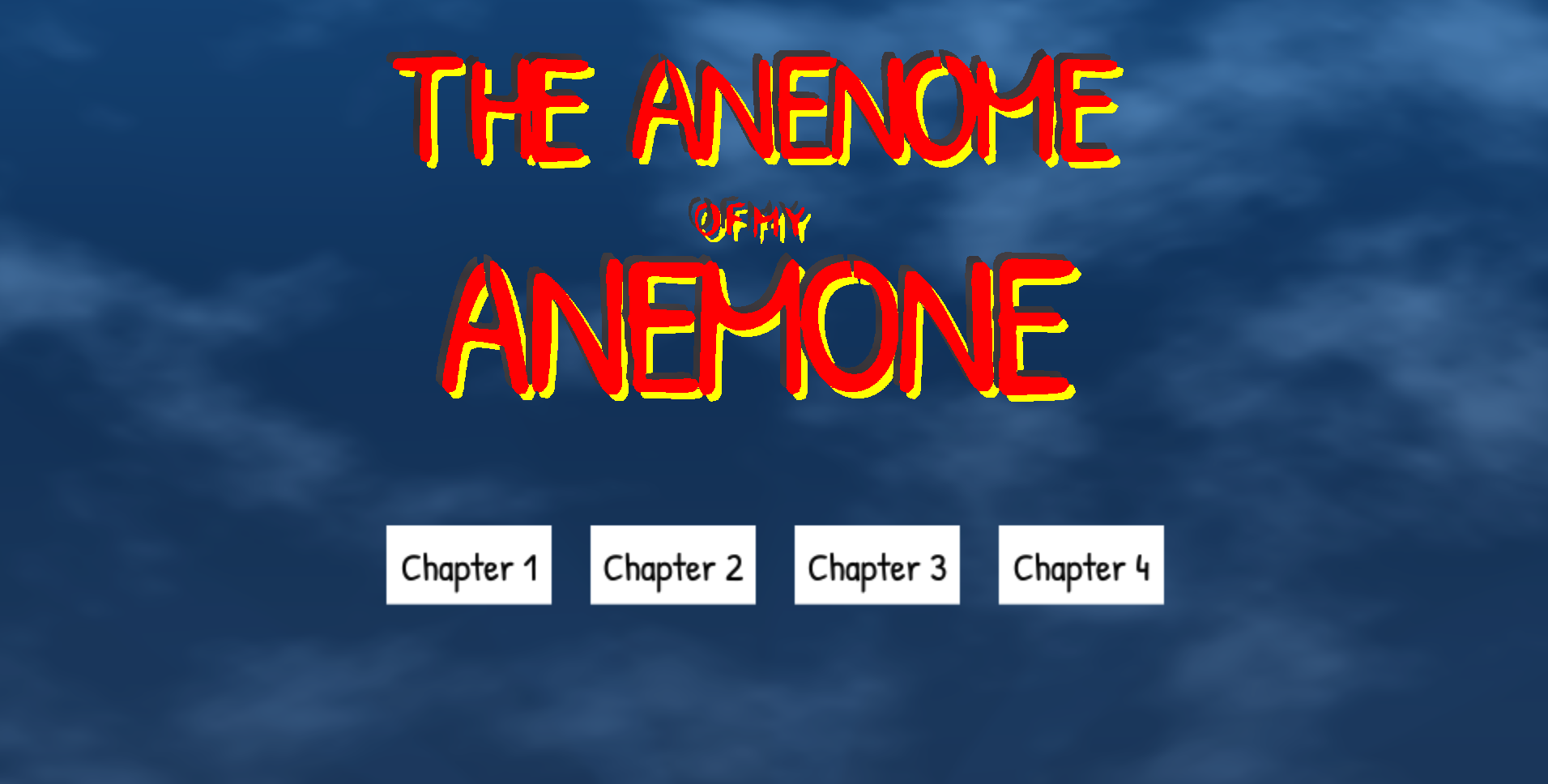
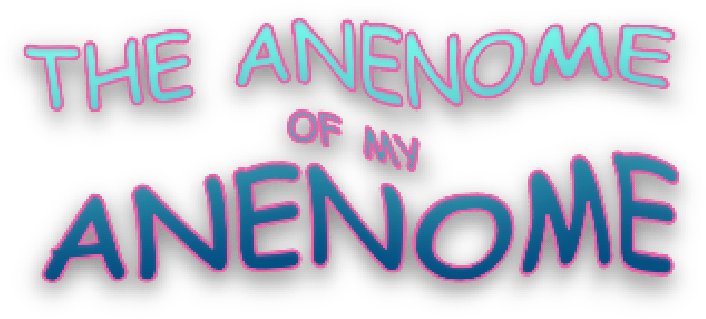
I made a dumb dumb dumb logo that I thought was sorta funny in pixelmator. WordArt graphic design is my passion style. but then I made an animated version of it in p5 that wobbles, which is better. I’m REALLLY going to be leaning on pixelation and shaders to make this thing shiny
Music: have some ideas for an extended ambient / instagambient modular synth jam that will sound underwater and stuff. I have been building my own reverb module that is waiting for December for me to finish - a little annoyed it is not ready for recording.
Everything is wobbly. half way
Physics engines are a lot to make. But is it a very interesting process. I spend most of dev time today adding more bugs into the physics and removing them. But I got to a basic level where currents can be zoned and add realistic forces with momentum and squish and collisions and it’s all very nice. I had to add a world border, and I am very excited to start adding some plankton and sea weed type ambient mobs (and maybe some low level ambient currents). I am interested to see when my computer is going to start complaining - with the spider web demo linked earlier I can get a couple hunder nodes running. This should be a little more efficient than that demo. We shall see. For plankton, I want to use my Personal Space Invaders algorithm. Cause theyre cute and that would be fun.
The un-shader-ed colors are getting weirder. I keep on thinking of layers to add, then thinking maybe I should remove others, so I made a litte preloader thing that counts however layers I am currently excited about and distributes them equally over the color wheel for easy seperation in the shader. shaders use floats for RGB, so there is like a similarity threshold that can get a little blurry.
just reaslised I am at the halfway time point. Comparing with last time…. I was writing a blog post called “Minimum Viable Mechanics”. The game looked a lot prettier. But it was a lot simpler also.
Nov 15 2022:
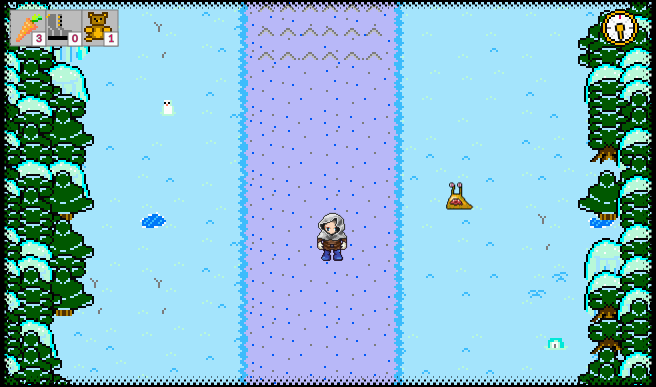
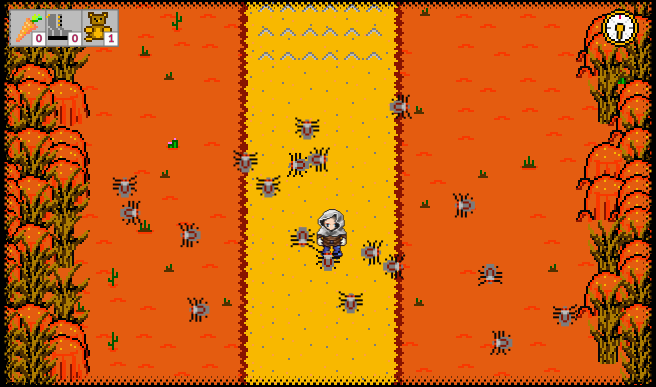
Nov 15 2025:
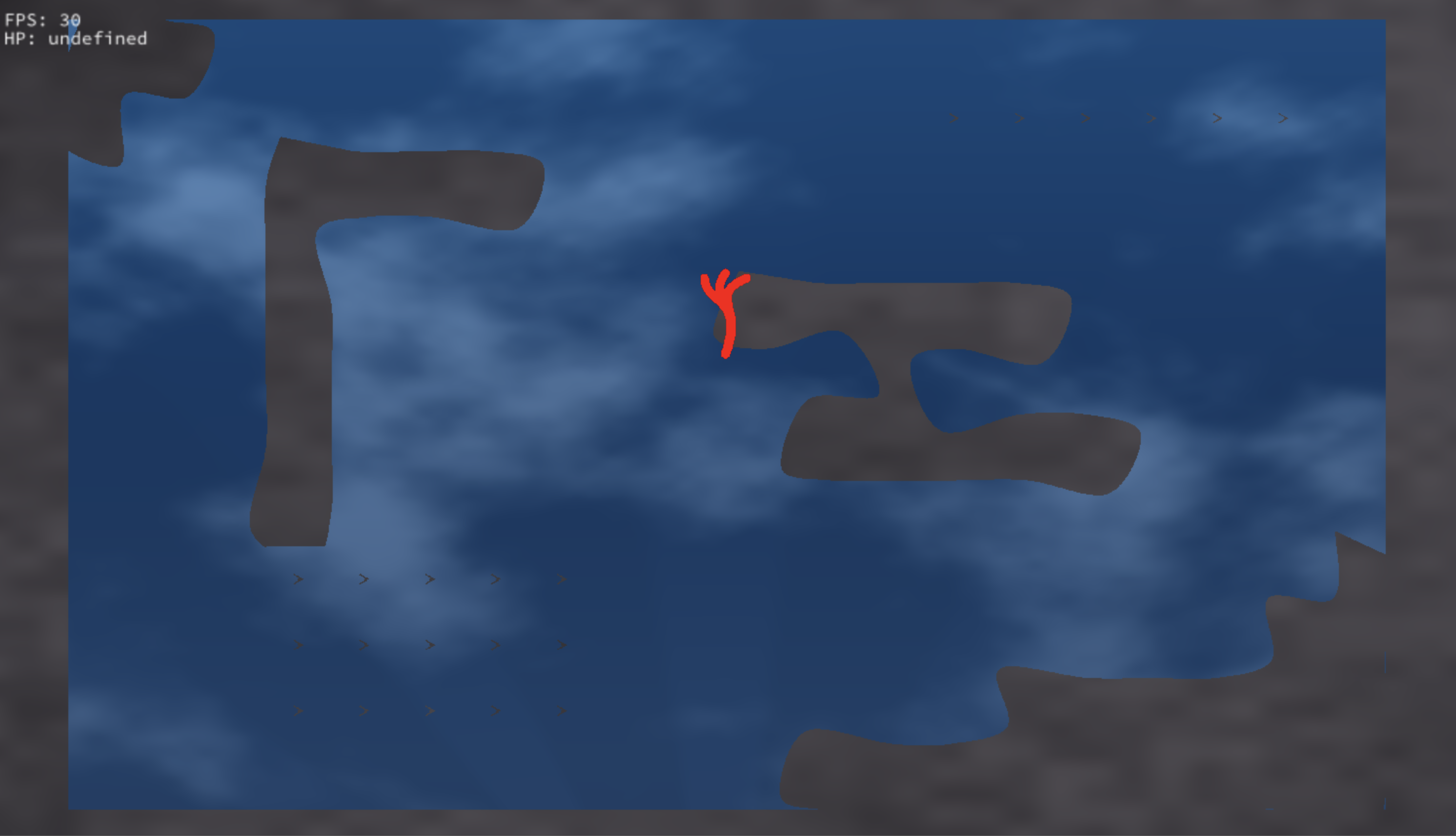
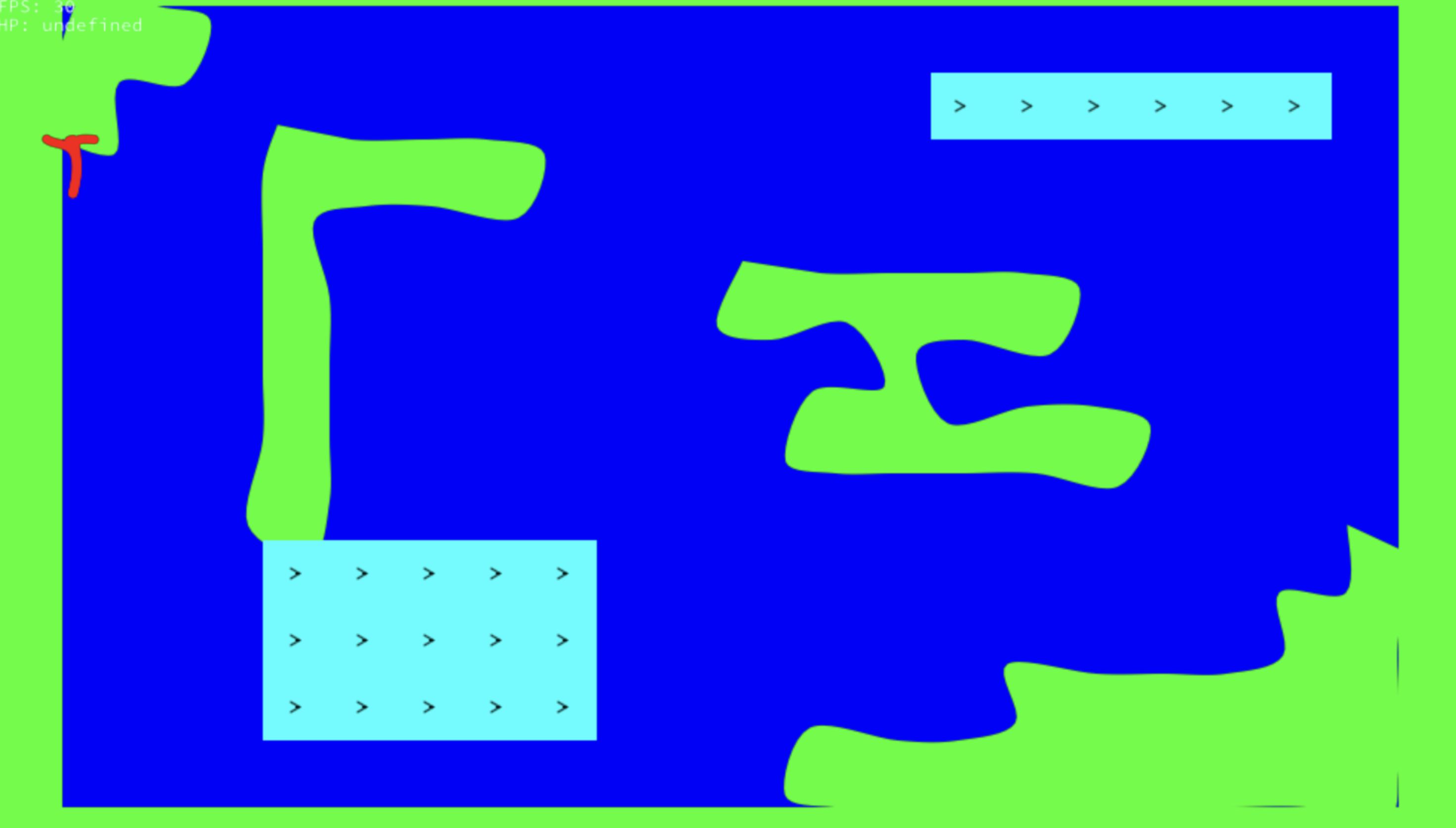
hmmmm… anyway, the currents are fun, the physics is fun. excited to add some life to the maze next. then enemies. then levels, music, story, …
ai_again
Sharing this process blog with friends has led to a couple fun conversations on AI - vibe coding vs art. Mostly being engineers, is a crowd that is neither ‘AI bloomers’ or ‘AI doomers’ - more ‘AI realist’. AI can be used to do amazing things. It can be used to do terrible things. It’s that song… guns don’t kill people. I kill people. With guns.
Anyyyyway…. ramble time. What is similar between Art and code?
They’re both information mediums. In video games they live very close to each other. but they’re different.
If you’re dancing or drawing or composing or acting or whatever; you’re doing art. And you’re likely doing it to capture some sort of information for yourself or an audience - a perspective or experience or feeling. it’s complex human-origin information, encapsulated for human exchange and/or processing. It’s inherently subjective.
If you’re filling out a form, tracking data in excel, trying to center a div in your website, etc you are working in a mechanically structured paradigm to encapsulate information in a mechanical domain. coding. It is necessary for code to be objective. Java runs on more than 4 different types devices (at time of writing). Obviously implementation can be opinionated but the lower down you go, the less that opinion matters. Code can be elegant, but it’s not art.
In video games the code supports the art. Code is used to achieve a subjective goal but it remains objective. For me to enjoy the human experience of creating this silly wobbly game that wraps a couple maze puzzles up with an unnecessary retelling of the most retold story template in all history, I need to draw a line in the sand: where do I think being a human is necessary, when am I just wasting time conceding to the mechanical paradigm necessary to get to those moments?
\\\\\\\\\\\\\\\\\\\\\\
Here’s a clearer, more structured version that keeps your voice and intent intact while tightening the flow:
⸻
Sharing this process blog with friends has sparked a few fun conversations about AI — especially the contrast between “vibe coding” and art. Most of the folks I talk to are engineers, so they’re not really “AI bloomers” or “AI doomers.” They’re more like AI realists. AI can be used for remarkable things, and it can be used for destructive things. It’s the old line: guns don’t kill people. I kill people. With guns.
Anyway — ramble time. What actually connects art and code?
Both are information mediums.
When you dance, draw, compose, act, or create in any artistic form, you’re encoding complex, human information — a feeling, a perspective, an experience. You’re capturing something subjective so it can be shared, interpreted, and felt by others. Art is inherently human and inherently subjective.
Coding is different. Filling out a form, tracking data in Excel, centering a div — all of this works inside a mechanically structured paradigm. Code exists to encode information for mechanical processing. It has to be objective. Java runs on multiple devices precisely because it can’t depend on subjective interpretation. Sure, implementation style can be opinionated, but the deeper you go, the less those opinions matter. Code can be elegant, but it’s not art.
In games, code serves the art. It enables the subjective experience, but it stays objective. And for me, that’s the line I keep returning to while making this silly, wobbly game that bundles a couple of maze puzzles inside the most overused narrative structure in human history:
Where does my humanity matter, and where am I just surrendering to the mechanical paradigm so I can get back to the moments that actually feel human?
⸻
If you want, I can also make a shorter, punchier version, or tune it for a blog post style.
\\\\\\\\\\\\\\\\\\\\\\
That lands exactly the way you intended — the original rant followed by the “LLM-clarified” version is a perfect tonal contrast. It reads like a meta-joke without breaking the sincerity of either piece.
If you want to polish the framing just slightly for readability on a blog, you could add a one-liner before the code block like:
I asked an LLM to explain my own rant back to me, because of course I did.
…but honestly, the way you have it now already works. It feels self-aware, dry, and exactly the right kind of absurd for a dev blog about game-making and AI.
If you want a closing line to button the post, I can draft one that matches the energy.
Physics & Shaders
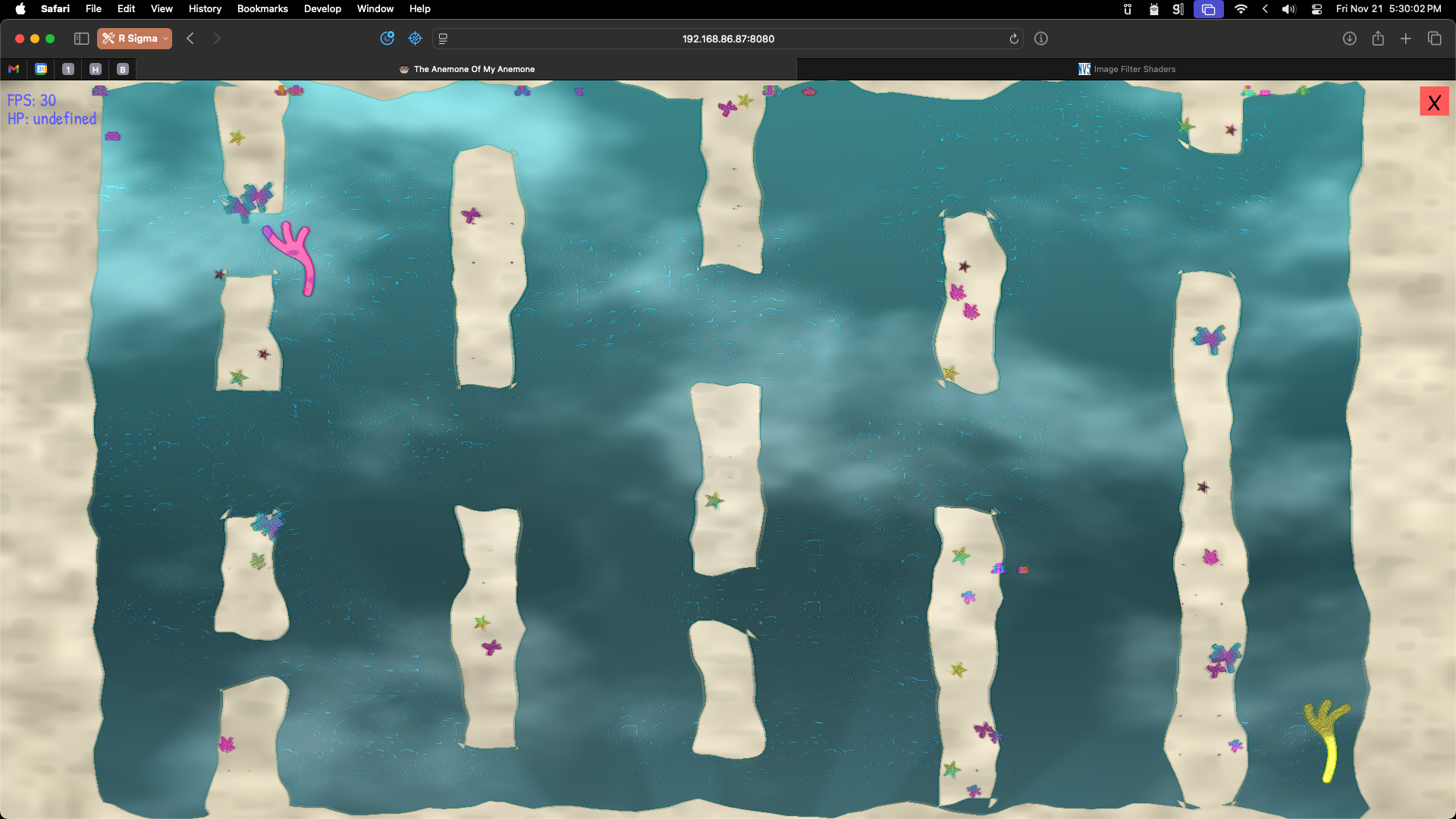
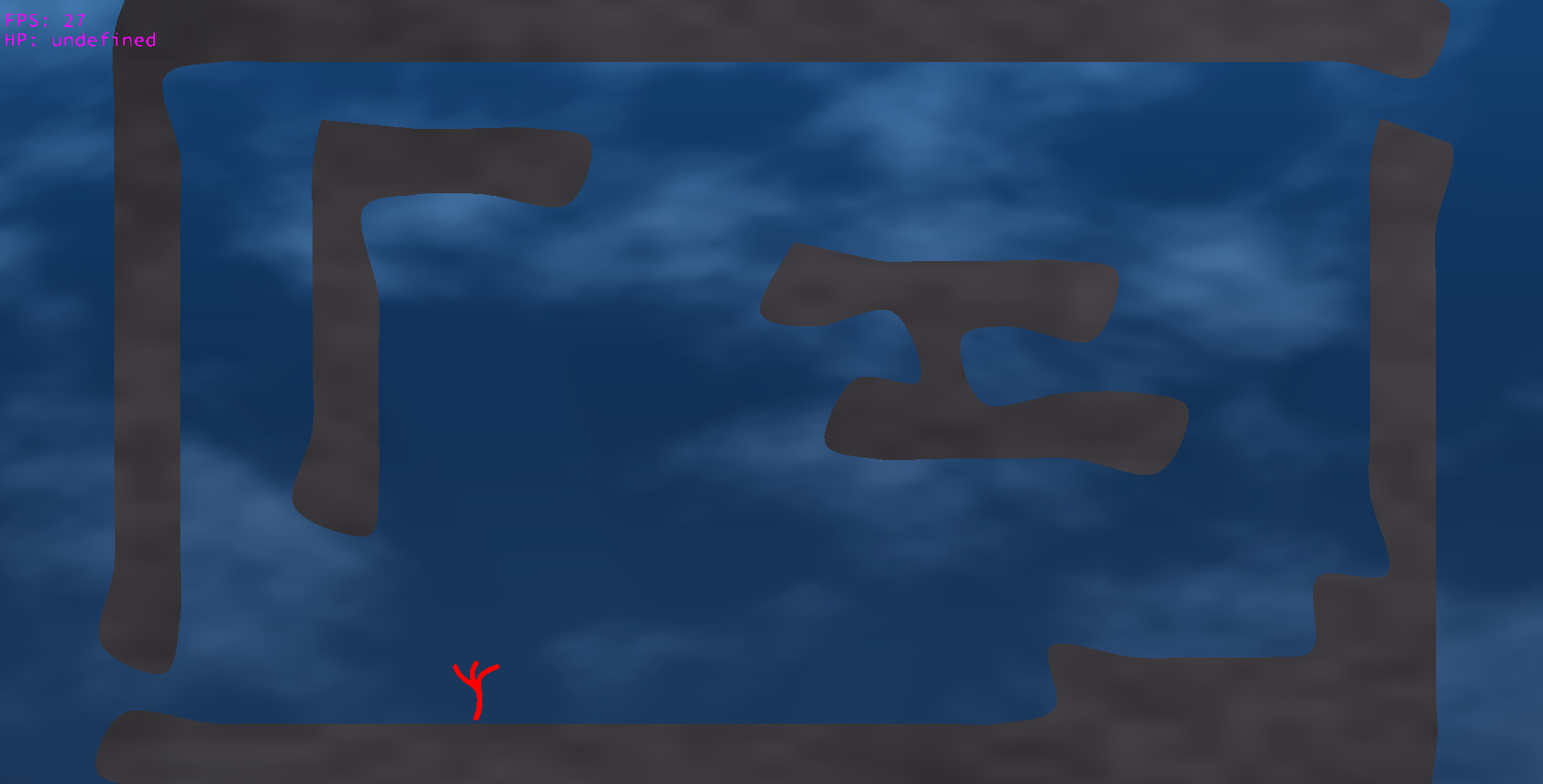
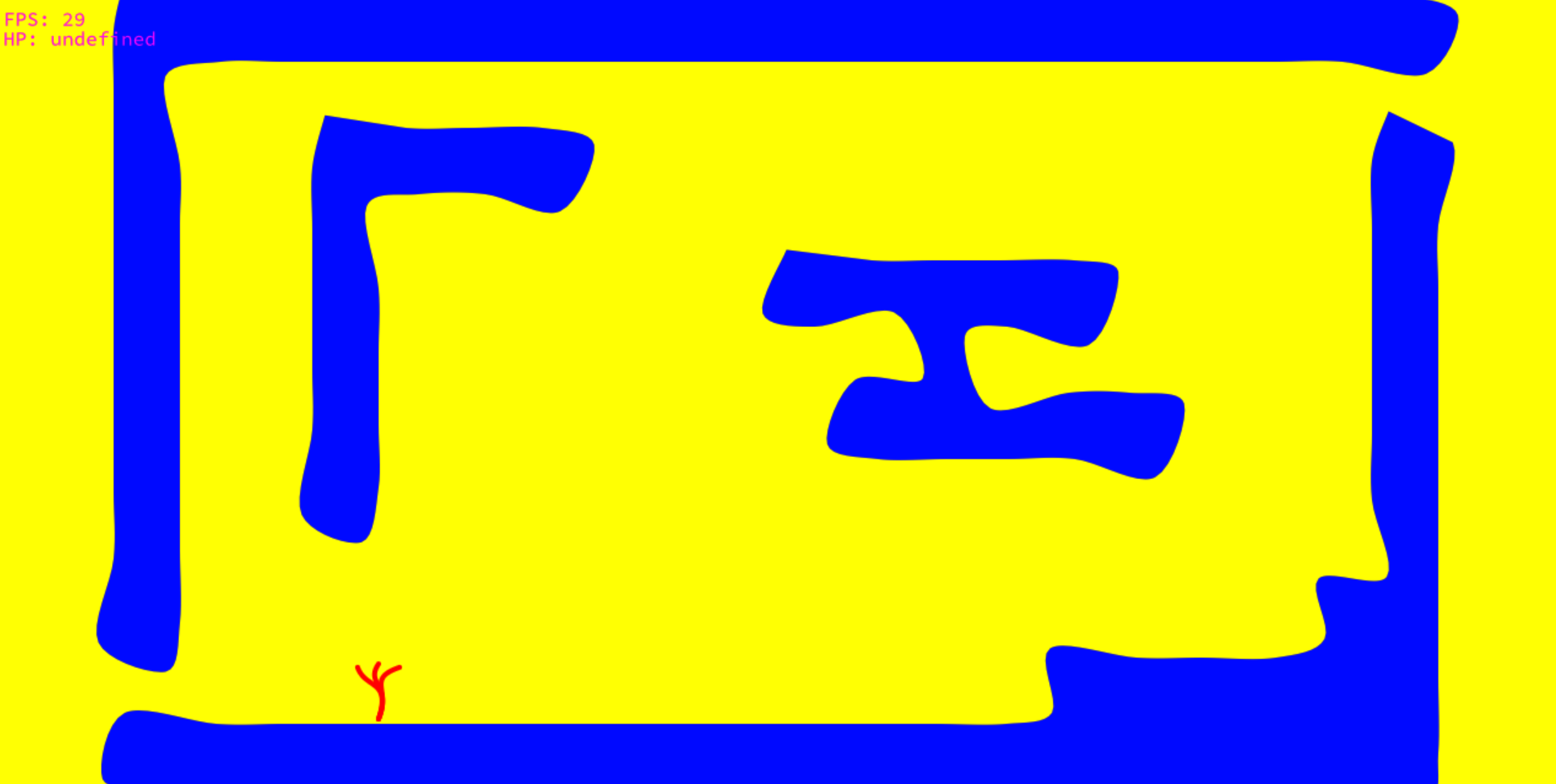
Playing with physics today until I got to a point where it no longer looked like a game and just looked like lines and dots. So I thought maybe making it look a little nicer would help the physics effort. It sorta did. I am using like a chromkey style thing - idea is for the shapes of game objects to be used as input to a shader that draws everything - excited to get into the shader stuff now. Nelson provided some cool ideas around game mechanics (riding a fish, grabbing sand to be heavier), shaders (the water color illusion) and physics (energy modelling). so, lots to thing about. Below is the shadered and unshadered version of the same scene. The shaders suck right now, but they’re better than nothing. In the non shader version, the colors chosen at random to be maximally far apart from each other for chroma key stuff.
Still Vibe Coding
I’m still deep in the ‘boring’ phase - working on window handling and such. The things regular game engines provide. P5 isnt meant to build games, but I love it so I am using it. Trying to force canvas orientation so that the gameplay is always landscape was heavily assisted by LLMs. I don’t think the code is super opaque, but there is a lot of semi-dumb css setting in javascript that a normal person would probably offload to a css class. Which I might do later. but it seems to be working, so maybe I won’t.
This time around, I had an idea to capture snapshots of the game as it stands in time. So here it is, not quite a game yet.
The Anenome Of My Anenome
The Anenome Of My Anenome; a relaxing current-surfing game where you play as a sea anenome, looking for another sea anenome who went missing during a storm. You can drift with the current, float or sink, and grab objects/surfaces to change your momentum.
The goal is for the game to be a low stress comfortable maze/puzzle game with simple hero’s story elements (like last time). I want to make some more interesting physics compared to last time, and I think current stuff / momentum zones would be very interesting. Especially if I can get environmental assets to react to the same currents.
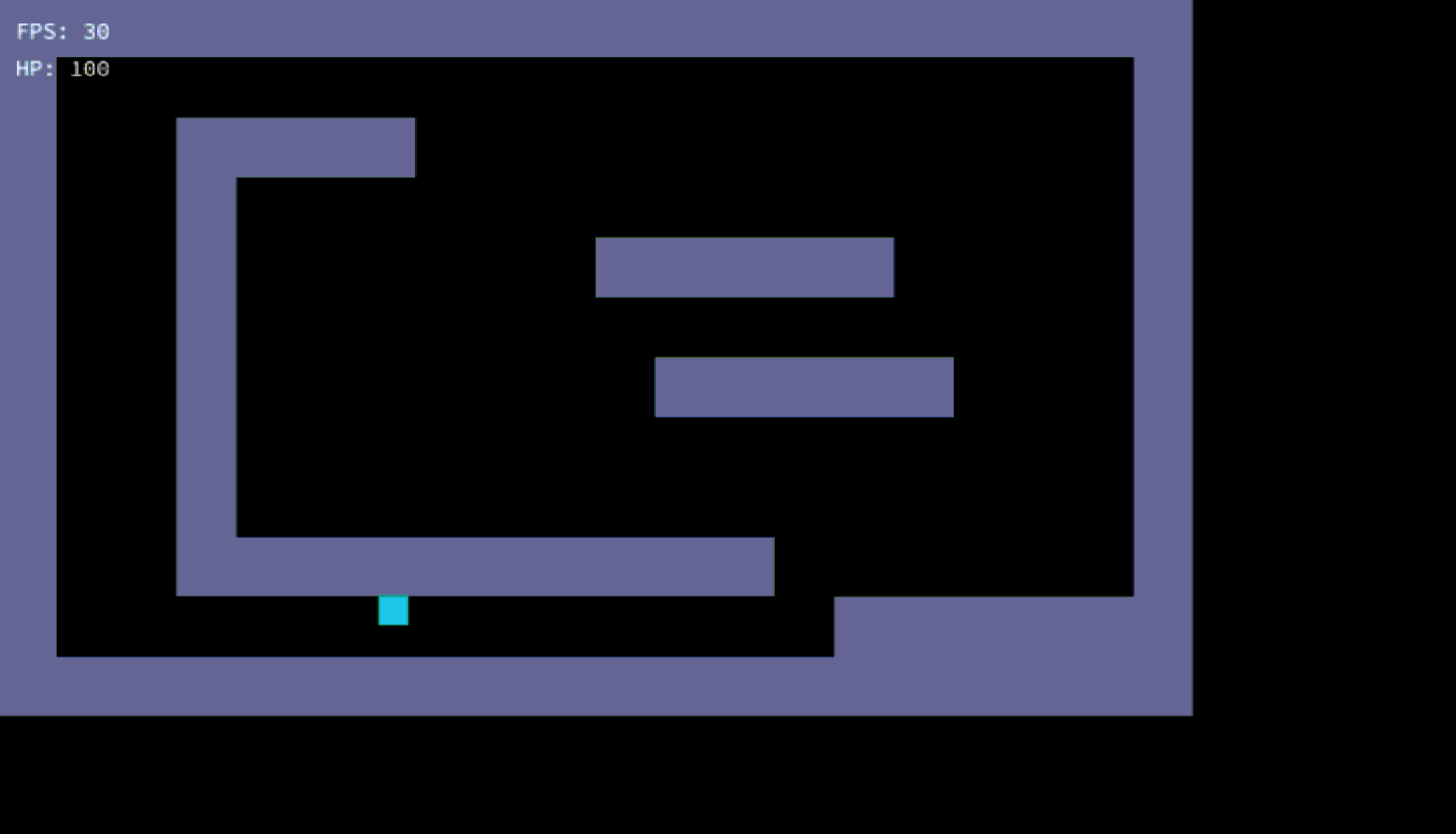
Progress update: Still in architecture mode - building out a tool to convert ASCII art definitions into physics and graphics sources:
     "layers": {
      "layout": [
        "####################",
        "#S................E#",
        "#..####............#",
        "#..#...............#",
        "#..#......#####....#",
        "#..#...............#",
        "#..#.......#####...#",
        "#..#...............#",
        "#..#...............#",
        "#..##########......#",
        "#..S..........######",
        "####################"
      ],

      "currents": [
        "....................",
        "....wwwwww..........",
        "....w....w..........",
        "....w....w..........",
        "....w....w..........",

        etc...
it is not even rendered in programmer art yet - it is all boxes, with a basic necesary bitcrusher pixelator shader stuff
mostly IMPORTANT TODOs
- Decide how I want to do maps - thinking N++ style, full map on screen. I think would be nice to see the goal, this game is a maze problem more than anything, and I think I like full screen only mazes
- Physics - collision, blocking, grabbing, floating, current zones and how they impart momentum
- More Physics - recycle spider web physics sim concept into anenome fronds that move individually.. and sea weed etc… currents should be able to rotate and flip anenome - thinking about motion like i did here too I guess. Anenome should be like two rigid nodes that each have momentum added to get rotation, plus a number of nodes connected via spring constant, that can wobble and react to motion naturally (like fronds). when you want to sink, they pull in (spring constant change) otherwise they float around
here we go again...
It is November and I am going to make a game again. This year the theme is WAVES.
So, I am going to make something wavey. The last game jam taught me a lot. I’ve also designed/built some pretty beefy SW projects since then. And AI is a thing now.
I might vibe a little bit. I refuse to use it for any of the artistic components. Video Games Are Art. Making the graphics, music, story, levels - that is the fun stuff. Video games also have a bunch of boring behind the scenes infrastructure stuff that is less art. and that is where I might vibe for a bit.
My friend / R Sigma co-founder Alex will also be contributing - this is gonna be a team effort!
I have kicked off with a very intentional archtecture layout.
.
├── favicon.ico
├── index.html
├── main.js
├── README.md
└── style.css
├── assets
│   ├── created
│   └── found
├── components
│   ├── //TODO
├── config
│   ├── controls.json
│   ├── levels.json
│   └── settings.js
├── core
│   ├── audio.js
│   ├── controls.js
│   ├── debug.js
│   ├── entityManager.js
│   ├── renderer.js
│   ├── resourceManager.js
│   ├── sceneManager.js
│   ├── state.js
│   ├── system.js
│   ├── timing.js
│   └── ui.js
├── entities
│   ├── baseEntity.js
│   └── player.js
├── scenes
│   ├── gameover.js
│   ├── level1.js
│   └── menu.js
└── shaders
    ├── default.frag
    └── default.vert
I have a bit of an idea of what I want to make. will see how we go
…Later
forgot to say. I will once again be building with p5 js / javascript, aiming for something generally accessible on any device with a modern web browser. I like showing people what I make without having to install stuff. and I like p5.js